 Stampede Design
Design tools are getting smarter. AI is everywhere. And yet, the cost of using it is still high, and not just monetarily. Every time you switch tools, you lose context, well some of at least. Every time you start a new chat, you re-explain yourself. The mental load of keeping everything in sync across tools is a tax that compounds quietly, every single day.
Think about this. There is big vision that the team wants to achieve. It needs something tangible to be shown to a stakeholder, and it should be fast. Let’s say it is a prototype. What actually happens then? The vision gets described, translated, handed off, interpreted, built, revised. Multiple designers. Multiple tools. Weeks of back and forth. And somewhere in that process, the original intent gets diluted.
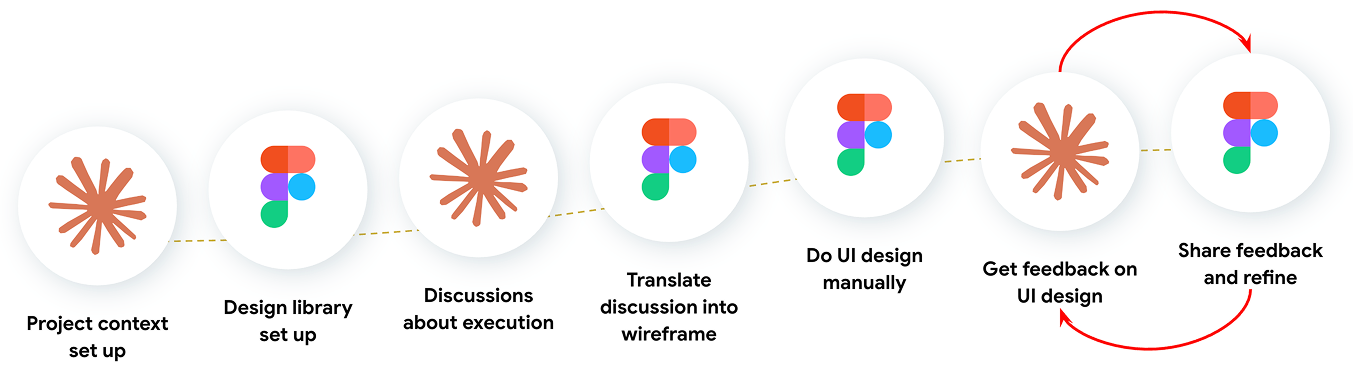
This is not an AI problem. AI is already in the room. Probably even not the execution problem. This is a problem of context preserving and translation. And it has not been solved yet.
From friction to experiments
I was already using AI in my workflow, but the time and effort it took to keep context alive across tools made it feel like I was working harder, not smarter. I tried different tools. I tried different approaches. All of them still required too much manual translation. The problem was not the output. The problem was the getting there.
So I kept looking. I read more, experimented more, went down more rabbit holes than I care to admit, testing with multiple ways for improving my workflow. Then I came across a LinkedIn post by TJ Pitre. He founded and wrote about Figma Console MCP, a tool that creates a live connection between AI tool like Claude and Figma. Not just reading from Figma. Actually writing to it.
This is a connection layer that lets the AI tool talk directly to your Figma design file through a configured bridge. Not a plugin generating generic UI. A live, programmatic connection to your actual file. Once it is running, Claude is not working from a description of your design. It is working from the source. Though this works with multiple AI tools.
P.S. The reason I used Claude specifically is because my project context already lives there, where it brings everything it already knows about the project with it.
So that stopped me. Because that was exactly the distinction that mattered. Every other solution I had tried could read from Figma, describe what was there, give suggestions. But they can’t close the loop, nor act on it directly inside the file.
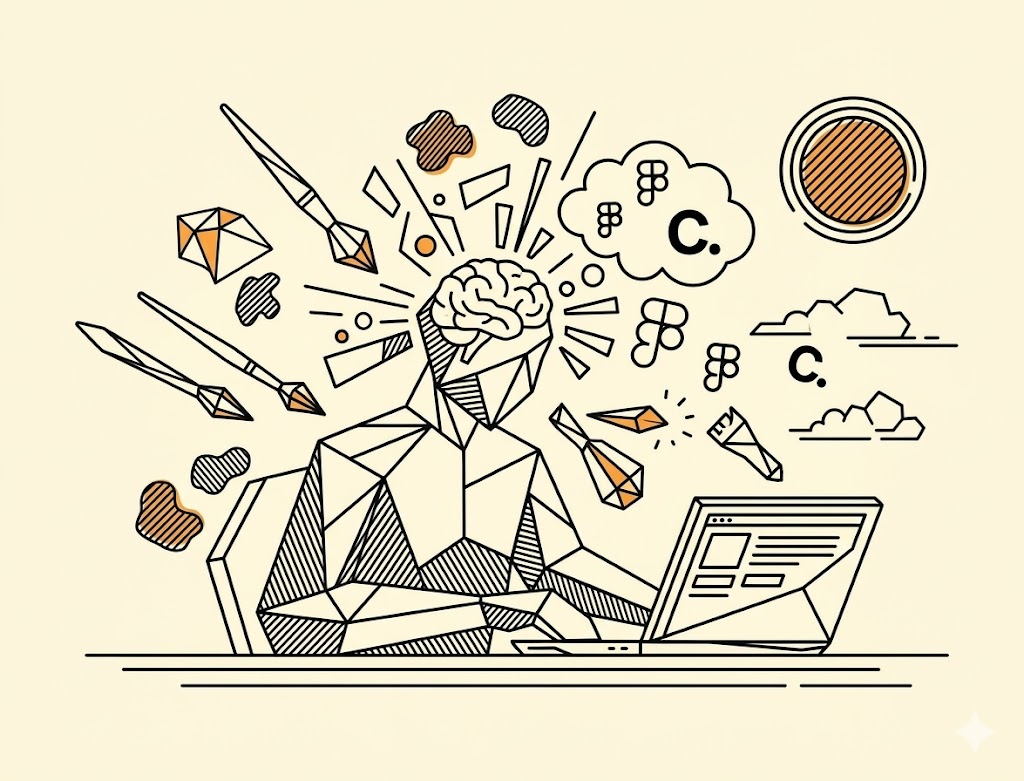
I thought, if I can figure this out, it would be genuinely beneficial to the entire workflow, and it would be meaningful to my team. 🚀 So I decided it was worth trying to get right.
The 8 hour journey
It is a bit technical. The setup requires some tinkering behind it. But I started with two clear conditions for success. First, I needed a way to transform a design library into something that an AI agent could actually read and work with. Second, I needed a proven, stress-tested way to generate high fidelity screens that correctly use the design library components.
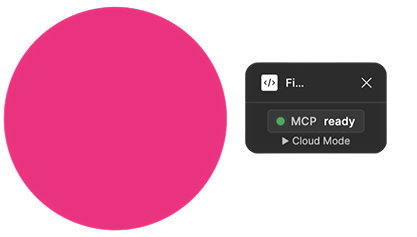
So I started simple first. One instruction to Claude, and a pink circle appeared on my Figma canvas. Nobody touched Figma. That was the handshake. Then I pushed further for Claude to audit a design library I was maintaining. It went into the file on its own, came back with specific findings, flagged exactly where the naming convention was breaking down, and proposed a fix built from the actual data in the file. Not assumptions. The actual file.
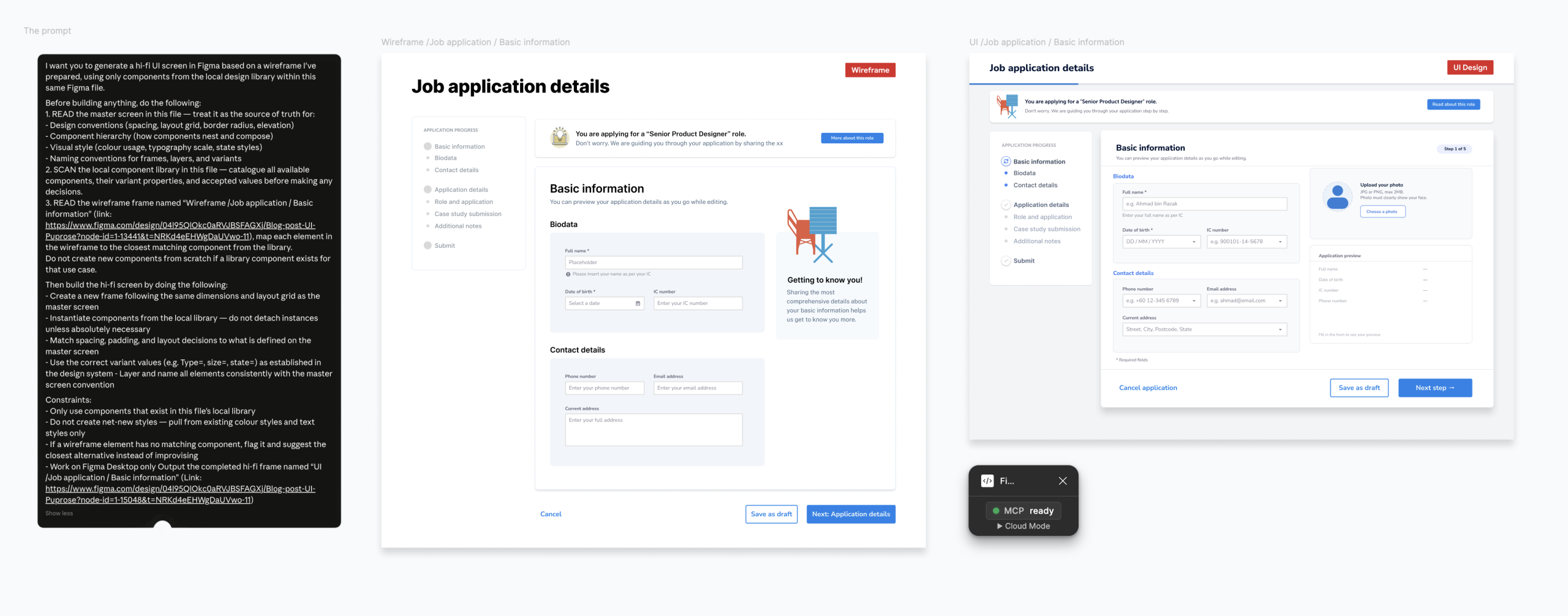
And then the real test. Turning wireframe into UI design. Context engineering is key. AI needs to understand the intent and the goal of the screens you are building. With the right context, both Claude and Figma went into it, building the screens as what I intended.
✅ Success criteria one met. ✅ Success criteria 2 met. 🎉 A yay moment for me and my team!
So why this journey a success?
Looking back at the roughly 8 hours of tinkering, four things made this work.
The first was the setup. Following the technical configuration correctly was not optional. It was the foundation. Without it, the rest can’t be done.
The second was making sure the tools can read each other correctly. So I did the audit. Claude can only perform as well as the library it is working with. If the design library is not structured in a way that an AI can read, the output breaks down. Getting the library ready for AI was not a detour. It was part of the work.
The third was treating this as a scientific experiment, not an exploration. I set a hypothesis. I defined two success criteria. I tested within a specific time constraint. That structure is what kept the experiment focused and the results meaningful. Going in blindly would have taken longer and told me less.
The fourth was design fundamentals. Claude can translate intent, but only if the intent is clear in the first place. If you do not know what good looks like, it is hard to describe it. And if you cannot describe it, the output will not reflect it. Knowing your craft is not less important when AI is in the loop. It is more important.
Both conditions were met. The experiment worked 🚀.
But the part that stuck with me most was this. No matter how technical or advanced it got, the limit was the designer. In this case, me. Not the tool. If I could figure out the possibilities and their setup, I could be on top of what’s next. That feeling of being the constraint rather than the bottleneck is what made me want to keep going.
So what comes next?
Here are two ideas I’m thinking to do with my team. Maybe you could try it too!
The first is using AI tool as the design system guardian. Set it up so that anyone on the team, designer, PM, developer, even product owner can ask it questions about the design system directly. What component to use, why a pattern exists, whether something is consistent with the library. Instead of a designer spending time answering the same questions repeatedly, Claude becomes the reference. Less back and forth. Design knowledge that does not rely on one person.
The second is about where execution time actually goes. Right now, getting from a wireframe to a stakeholder-ready prototype is measured in designer hours. Sometimes days. Sometimes it goes to weeks. With this setup, that cost drops significantly. Product owners move faster. Stakeholder reviews happen earlier. Feedback cycles shorten. Products and businesses can stay on top of the industry.
What about designer role?
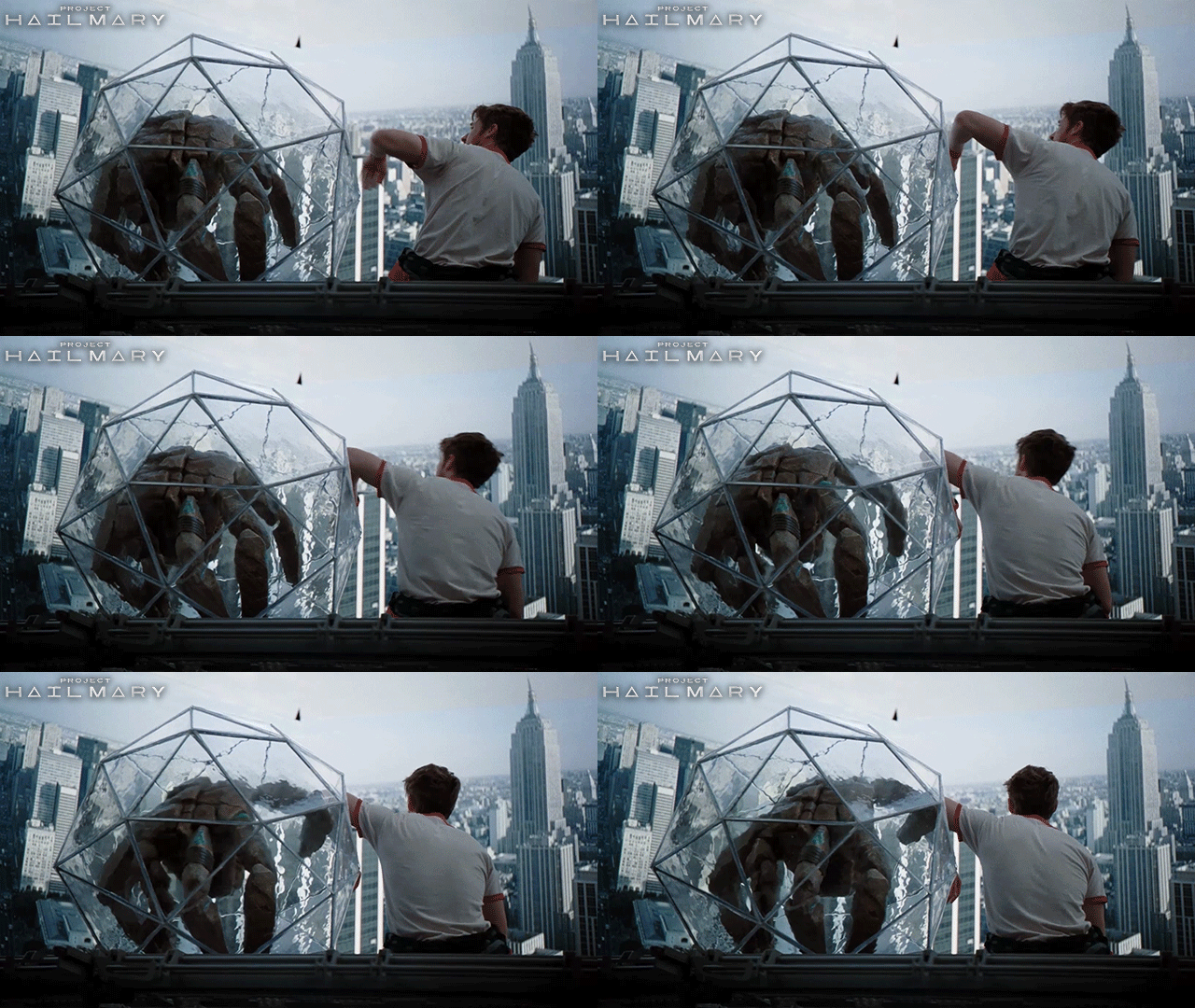
Rocky and Grace from Project Hail Mary didn’t try to do each other’s jobs. They figured out what each could uniquely contribute and built something that is deemed impossible. That’s what this shift feels like.
The creative judgment, the brand sense, the user empathy. Those stay with the designer. The mechanical translation from wireframe to screen, that’s where AI changes things. And for a business, that difference is measurable. The time spent, the monetary cost across tools, the direct path from vision to product. All of it gets faster and more accurate than before.
So my question,
Now that you know this, what will you do next?
Happy experimenting 🧪!
Reach out to me or my team members on Linkedin at Stampede if you are interested to talk or even find out more about this!
